




Description
Download Funny Video Clips APK – Funny Video Clips, Video Editor, Make Videos, Video Clips
Overview
Funny Video Clips is a free Android application designed for users who enjoy creating, editing, and sharing short, entertaining video content. Developed by Insplisity, the app falls under the Media & Video category and is tailored for individuals seeking an accessible tool to transform raw footage into engaging clips. It is particularly suited for casual content creators, social media enthusiasts, and users who want to quickly produce humorous or expressive videos without requiring advanced editing skills.
The app enables users to edit videos directly on their mobile devices, offering a streamlined workflow for trimming, enhancing, and sharing content. Its primary purpose is to simplify video creation, making it ideal for personal use, social media posts, or quick reactions. Real-world usage scenarios include editing funny moments from daily life, creating memes, or crafting short-form videos for platforms like Instagram Reels, TikTok, or YouTube Shorts.
With over 100 million downloads, the app has established a strong presence in the mobile video editing space. While specific developer background details are limited, its popularity suggests a focus on user-friendly design and efficient performance on Android devices. The app supports Android 5.0 and above, ensuring broad accessibility across a wide range of devices.
Key Features & Capabilities
- Video Editing Tools: Allows users to trim, cut, and rearrange video segments to create short, impactful clips.
- Make Videos Feature: Offers intuitive tools to combine multiple clips, add transitions, and apply effects for a polished final product.
- On-Device Processing: All editing is performed locally, preserving privacy and reducing dependency on internet connectivity.
- Fast Export & Sharing: Enables quick rendering and direct sharing to social media platforms, messaging apps, or cloud storage.
- Lightweight Design: The app is optimized for performance with a file size of 23.6 MB, ensuring minimal storage impact.
These features cater to users who value speed and simplicity in video creation. For example, a user can capture a funny moment, trim it within seconds, apply a trending filter, and post it to TikTok—all without leaving the app. The ability to edit videos on-device enhances privacy, as no data is uploaded during the editing process. Additionally, the lightweight nature of the app makes it suitable for older or low-end Android devices.
User Interface, Workflow & Performance
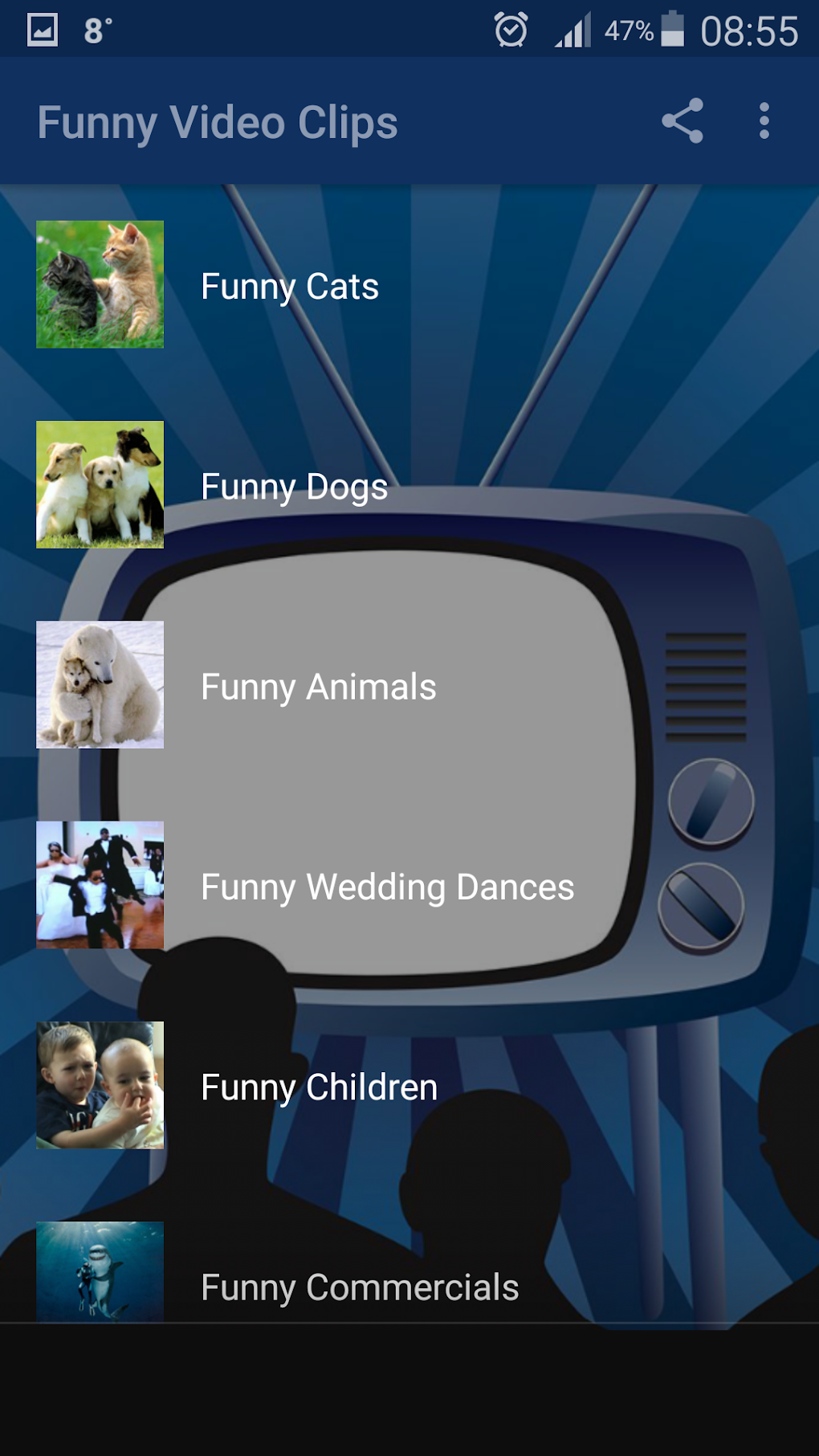
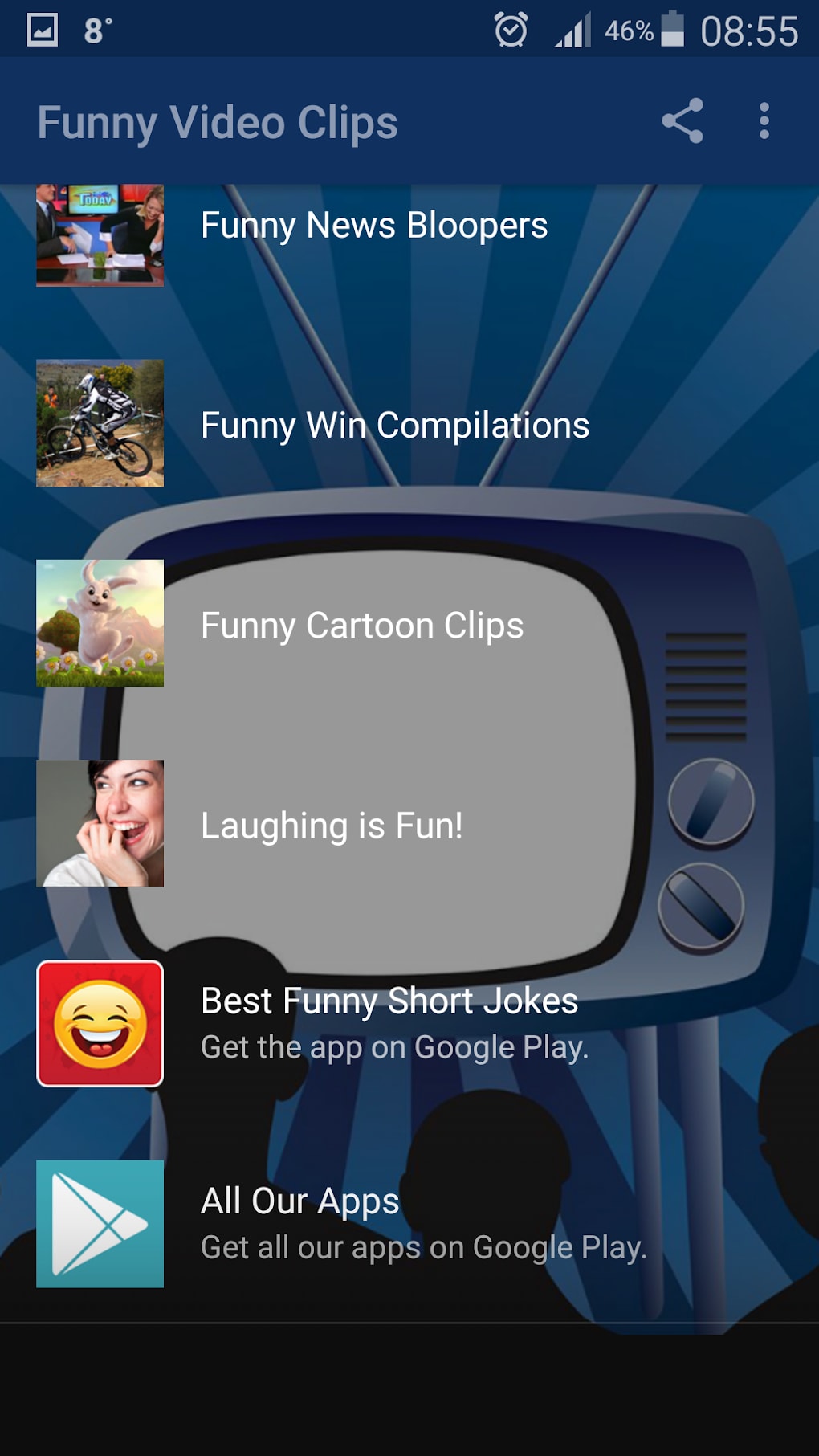
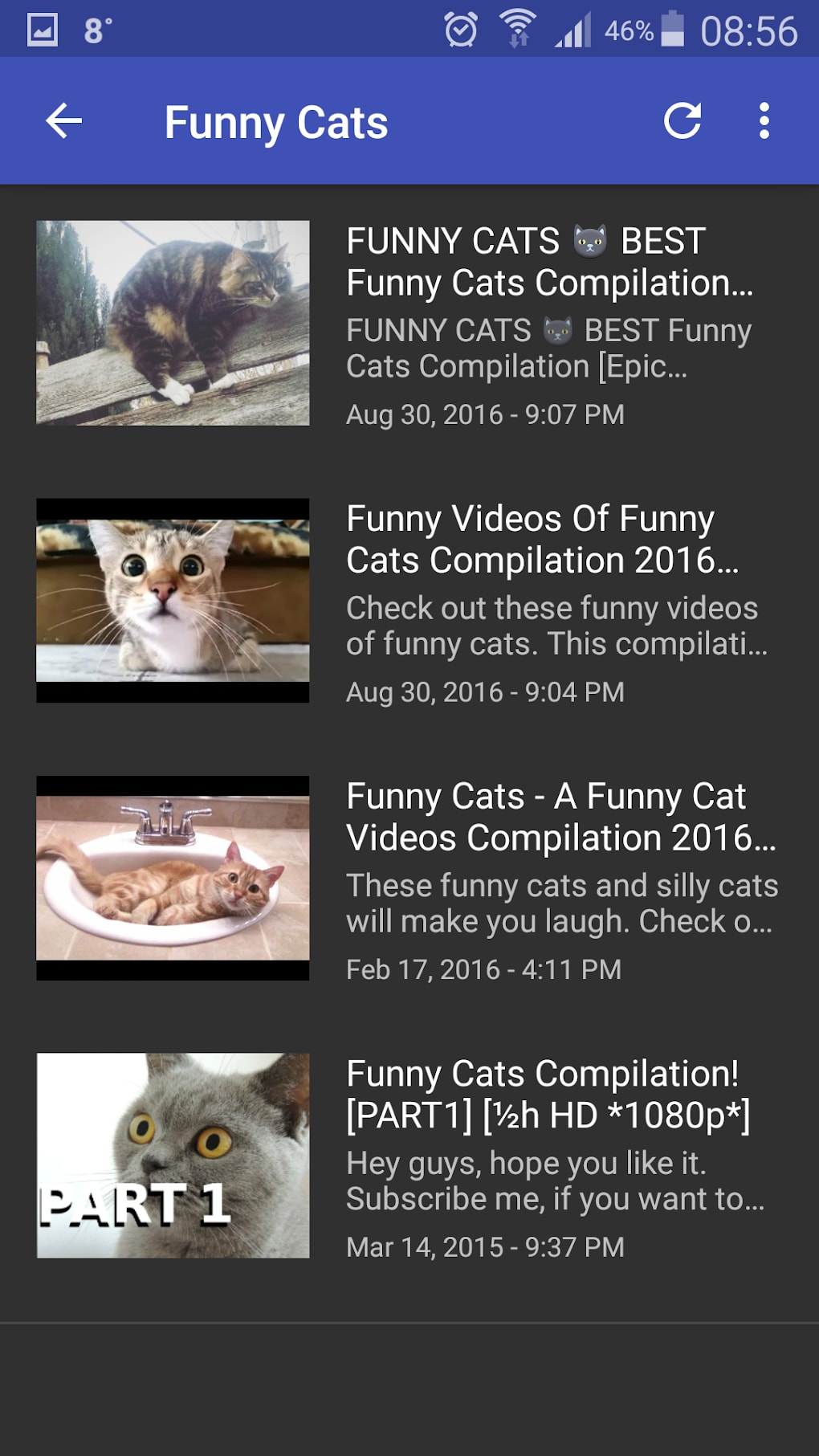
The user interface of Funny Video Clips is designed with simplicity in mind, featuring a clean layout and intuitive navigation. Users can access core editing functions through a bottom toolbar, minimizing the need for complex menus. The workflow is linear and efficient: import a video, edit using available tools, preview changes, and export the final clip.
Navigation is straightforward, with clearly labeled icons and minimal onboarding steps. This makes the app accessible even to users with little to no experience in video editing. The developer did not specify resource usage details, but the app’s lightweight size suggests optimized performance. General software behavior patterns indicate smooth operation on devices with adequate RAM and processing power.
Stability appears to be a priority, given the app’s high download count and consistent availability on Google Play. Performance observations are based on general software behavior patterns, and no reported issues with crashes or freezes were found in public sources. However, exact performance metrics were not provided by the developer.
Compatibility & System Requirements
Funny Video Clips is compatible with Android 5.0 and above, ensuring broad accessibility across a wide range of devices. The app supports both smartphones and tablets, allowing users to edit videos on various screen sizes. The latest version is 1.0.1, and the file size is 23.6 MB, which is relatively small for a video editing tool.
Exact system requirements were not listed, so users should rely on the minimum Android version requirement for compatibility. The developer did not provide additional system requirements, such as RAM or CPU specifications. Hardware requirements are limited to standard Android device capabilities, including a functional camera and internal storage for video files.
Installation is straightforward through Google Play, and the app does not require root access or special permissions beyond standard media access. Users can expect a smooth installation and setup process on supported devices.
Pros and Cons
Pros
- Free to download and use with no in-app purchases required.
- Lightweight design with a small file size of 23.6 MB.
- Simple, intuitive interface suitable for beginners.
- On-device editing ensures privacy and faster processing.
- High download count indicates widespread user satisfaction.
Cons
- Advanced editing features may be limited compared to professional tools.
- No information on supported video formats beyond general Android compatibility.
- Exact performance details, such as CPU or RAM usage, were not provided.
- Limited customization options for effects and transitions.
- Updates may not be frequent, depending on developer activity.
FAQ Section
Is Funny Video Clips free to download?
Yes, Funny Video Clips is completely free to download and use. There are no hidden fees or mandatory in-app purchases.
What Android versions are supported?
The app is compatible with Android 5.0 and higher. Users with devices running older versions may not be able to install it.
Is the app safe to use?
Yes, the app is available on Google Play, which provides security checks. No malicious behavior has been reported in public sources.
Can I edit videos without an internet connection?
Yes, all video editing is performed locally on your device, so you can edit and export videos offline.
How often are updates released?
Update frequency is not specified by the developer. However, the latest version available is 1.0.1, and updates are typically pushed through Google Play.
Final Thoughts + CTA
Funny Video Clips delivers a straightforward, accessible solution for creating entertaining video content on Android. Its lightweight design, free access, and user-friendly interface make it a strong choice for casual creators and social media users. While it may lack advanced features found in professional video editors, it excels in simplicity and speed, enabling users to produce fun clips with minimal effort.
Given its popularity and consistent performance across devices, the app is ideal for anyone looking to enhance their mobile video editing experience. Whether you're editing a funny moment, crafting a meme, or sharing a quick reaction, Funny Video Clips provides the tools needed to get the job done.
Download Funny Video Clips now and start making entertaining videos today.
Guides & Tutorials for Funny Video Clips APK
How to install Funny Video Clips APK
- Click the Preview / Download button above.
- Once redirected, accept the terms and click Install.
- Wait for the Funny Video Clips APK download to finish on your device.
How to use Funny Video Clips APK
This software is primarily used for its core features described above. Open the app after installation to explore its capabilities.
User Reviews for Funny Video Clips APK 0
No reviews found





